
One place for
the whole workday
Workzenly runs time clocks, schedules, PTO and payroll for US employers, and gives every employee one app for all of it.
Switch sides on the card to see what each person gets.
 Workzenly
Good morning, Maya
Saturday, October 31
Front counter · Northfield Coffee, Austin, TX
9:02:14 AM
Today’s shift 9:00 AM–5:30 PM
Not clocked in yet
- PTO left 52 hrs of 80 hrs
- Next paycheck $1,284.50 Fri, Nov 6
- Next shift Mon 7:00 AM to 3:30 PM
Today at Northfield Coffee
6 of 8 people on shift
| Name | Role | In | Status |
|---|---|---|---|
| Maya Torres | Front counter | 8:58 AM | On shift |
| Jordan Lee | Barista | 7:01 AM | On shift |
| Sam Rivera | Kitchen | 9:14 AM | Late 14 min |
| Chris Walker | Barista | – | On PTO |
Waiting for you
3 timesheets and 1 PTO request
Built for both sides of the job
Most small businesses run work on a payroll service, a scheduling spreadsheet, a PTO email chain and a group text. Workzenly puts it in one place, so the person who hires and the person who works see the same facts.
For employers. Post a job, hire, onboard, build the schedule, approve hours and run payroll from one account. Every number on a pay stub traces back to a shift someone actually worked.
For employees. Clock in from your phone, swap a shift, request PTO, check your pay stub and find the policy you need without asking anyone where it is.
For managers. See who is in today, who is late and who is out on PTO. Approve a whole week of timesheets in one tap, and get told before a shift goes uncovered.
For HR and payroll. Offer letters, W-4s, I-9s, reviews and pay history live in each person’s record, so payday is a check and not a hunt through inboxes.
Everything a workplace needs
Type to find a part of Workzenly, or move through the list.
- HiringH Post a role, collect applications in one list, schedule interviews and send the offer letter from the same screen.
- OnboardingO New hires sign their offer letter, fill out their W-4 and I-9, add direct deposit and read the handbook before day one, on their own phone.
- Shifts and schedulesS Build next week’s schedule by dragging people into shifts. Staff see it instantly and can pick up or swap a shift.
- Time and attendanceT Clock in by phone or a shared tablet at the door, with GPS and geofencing. Breaks, overtime and late arrivals are worked out for you.
- PTO and time offL Request time off in two taps. Managers see who else is out before they say yes, and PTO balances accrue and update themselves.
- Payroll and pay stubsP Approved hours, overtime, PTO and expenses flow into payroll. Everyone gets their pay stub in the app on payday.
- ExpensesE Photograph the receipt, pick a category, send. Approved claims are paid with the next paycheck.
- Reviews and goalsG Set goals together, keep notes from one-on-ones, and run a review cycle without a single spreadsheet.
- Documents and policiesD Offer letters, I-9 documents, certifications and the employee handbook, stored with each person and searchable.
Nothing by that name yet. Ask us, it may be on the way.
How a day off works
Emily asks for Friday off.
From her phone, on the bus. She can see she has 52 hours of PTO left before she sends it.
Then her manager says yes.
Marcus sees that two others are already off on Friday, finds cover from the schedule, and approves it.
Payroll knows without an email.
The hours come off her balance and land in the next payroll as PTO. Nobody types it twice.
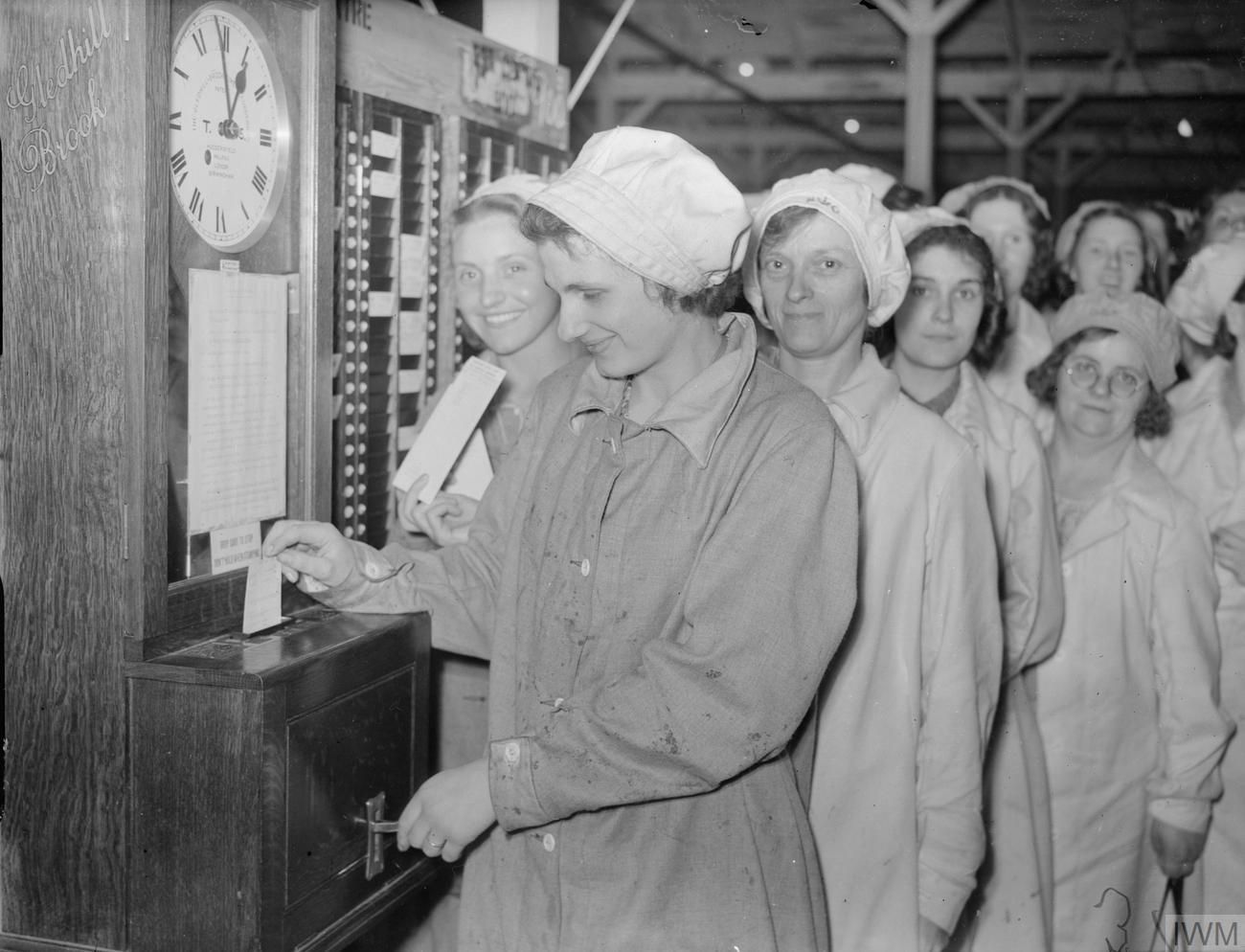
Clocking in, since 1940
For most of the last century a shift began with a card pushed into a clock by the door. Someone in the office then copied every card into a ledger, worked out the pay and handed out the paychecks.
The clock moved to the phone, but in most workplaces the copying never stopped. Workzenly is the clock, the ledger and the office in one place, so the time you clock in is the time you are paid for.
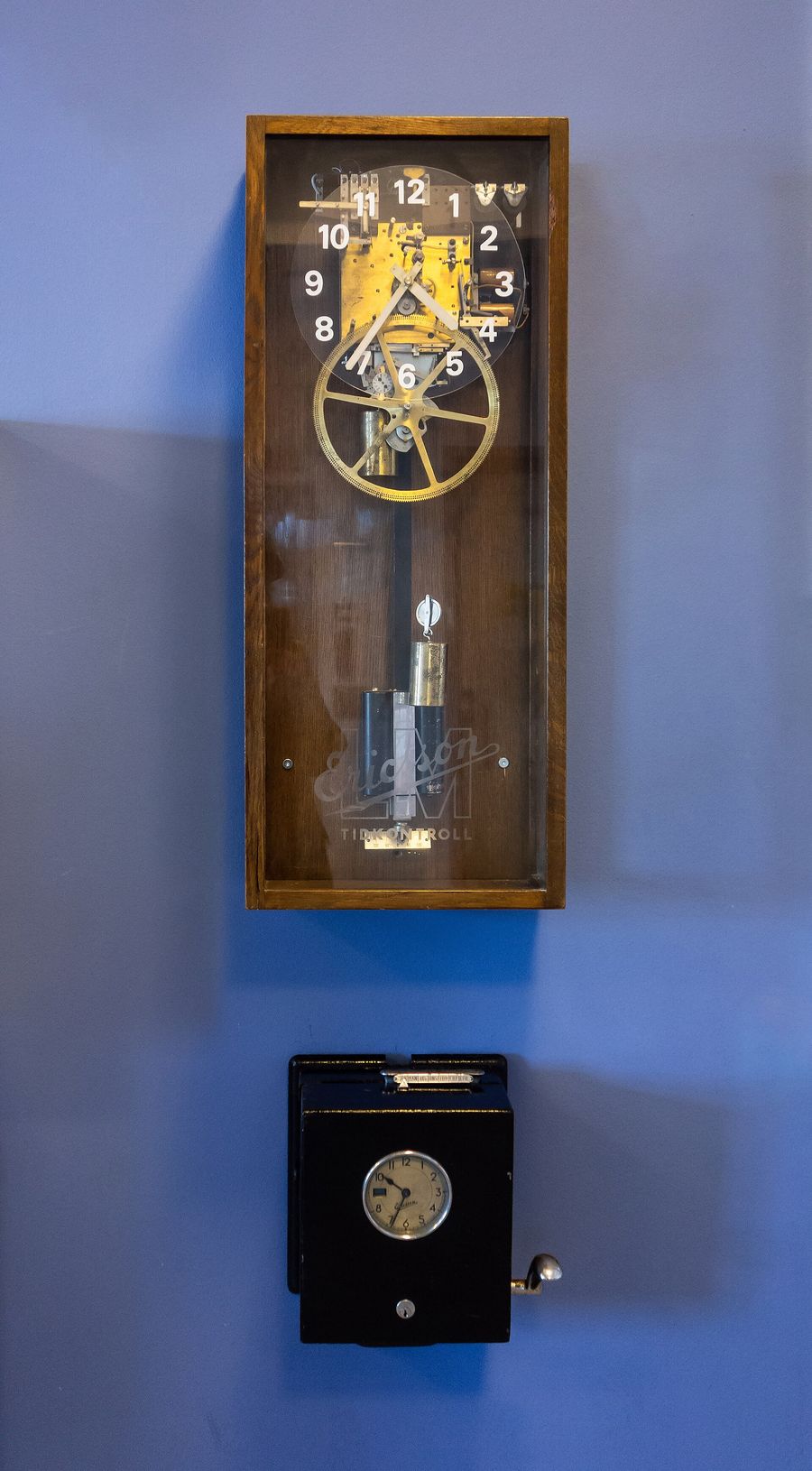
Built for every kind of shift

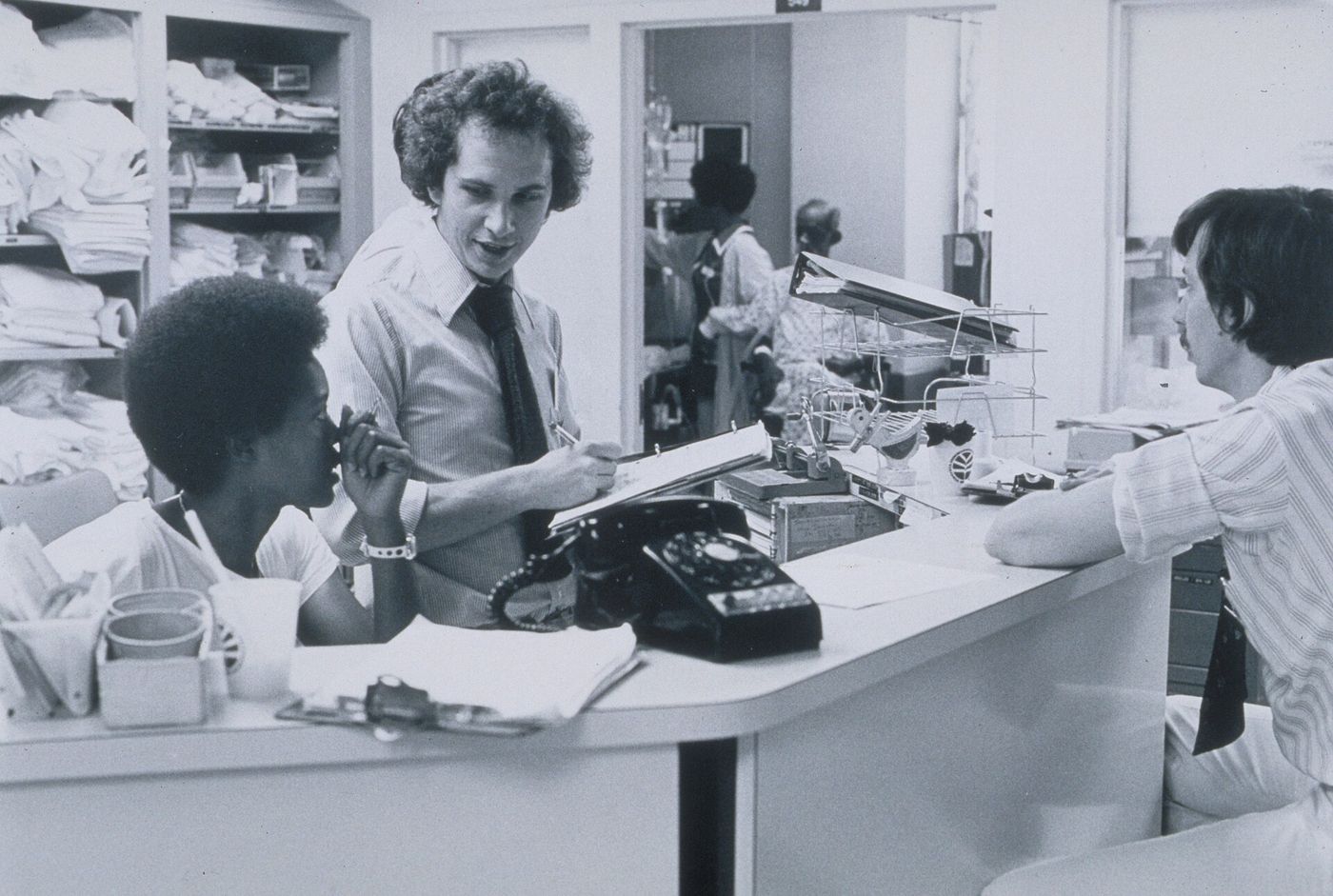

And offices.
Hybrid days, PTO calendars and reviews for salaried teams who never clock in at all. Same app, same record, fewer tools.
Questions
Who is Workzenly for?
US businesses with hourly or salaried staff, from a single coffee shop to a company with several locations. The employer gets the admin tools and every employee gets their own app.
Does every employee need a login?
Each person gets their own account for pay stubs, PTO and shifts. For sites where phones are not allowed on the floor, a shared tablet at the door handles clocking in.
Can it run our payroll?
Yes. Approved hours, overtime, PTO and expenses go straight into payroll, and pay stubs are published to each employee’s app on payday.
Does it work on a phone?
The employee side is built for phones first. Managers can approve, build schedules and check who is in from a phone too; payroll is easiest on a laptop.
We already use spreadsheets. Can we move our data?
Send us your employee list and PTO balances as a spreadsheet and we will import them during setup, so nobody starts from zero.
How long does setup take?
Most small teams are clocking in within a week. We walk you through it on the demo call and stay with you for the first pay run.
Who can see salaries and personal details?
You decide. Employees see only their own record, managers see their team’s shifts and time off, and pay is visible only to the people you give payroll access to.
Start with
your team
Tell us who you are and we will set up a demo workspace with your company name before the call.